

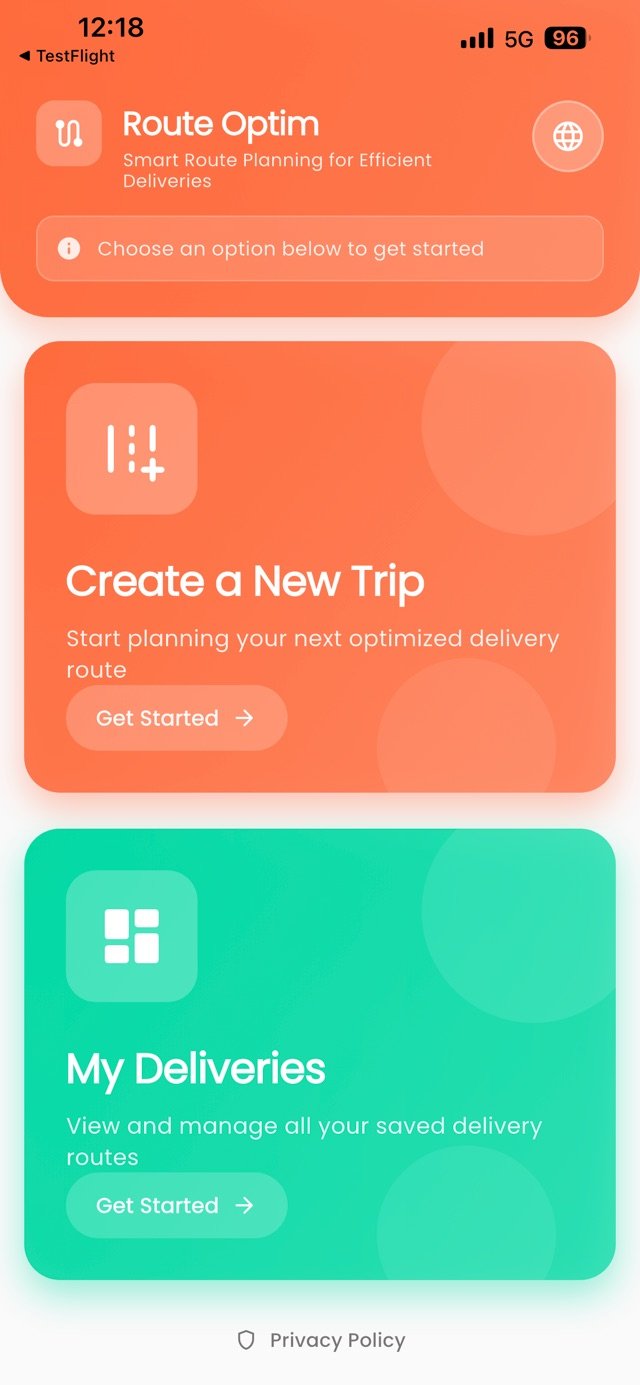
How it works
Four simple steps.
From planning your route to completing your last stop.
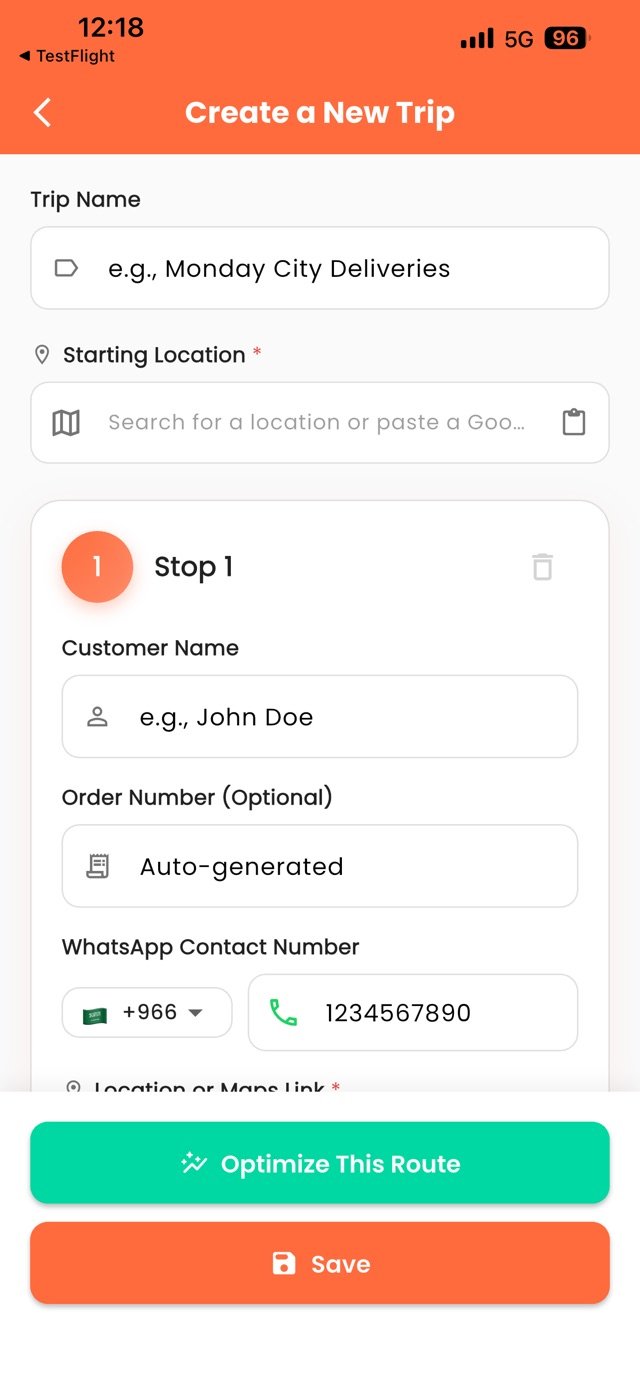
Create a Trip

Name your route and set the starting point: paste a Maps link, type coordinates or a Saudi National Address, or tap Locate me to use where you are.
Add Your Stops
Add each stop with the customer name, order number, WhatsApp number, and location — or import all your stops at once from the Excel template.
Optimize
Tap one button and get the fastest order for all your stops instantly.
Deliver & Track
Follow the optimized route, navigate stop by stop in Google Maps, mark stops complete, and track your progress.
Sample route
Today's Route
4 stops · 12.4 km optimized
- Al-Rashid WarehouseStart · 8:00 AMCompleted
- Downtown Office2.1 km · 8:14 AMCompleted
- Tech Park Mall4.3 km · 8:32 AM
- City Center Hub5.8 km · 8:48 AM

Optimized and ready to go


